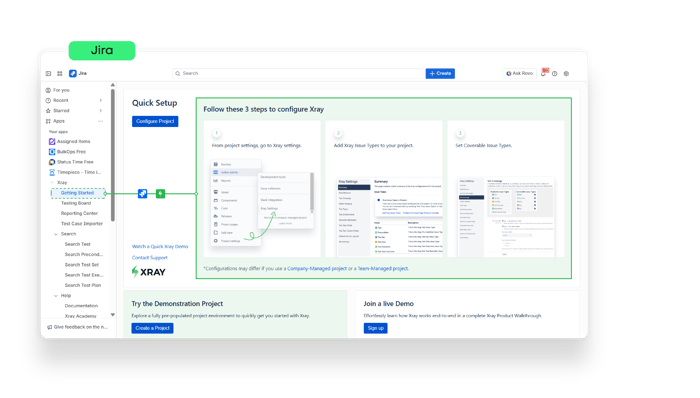
You’ve seen how it fits naturally into your Jira workflow - now here’s what it really unlocks when you use it to its full potential:
Manage manual and automated tests directly in Jira: bring your entire testing process under one roof, eliminate tool-switching, and give every team member full visibility.
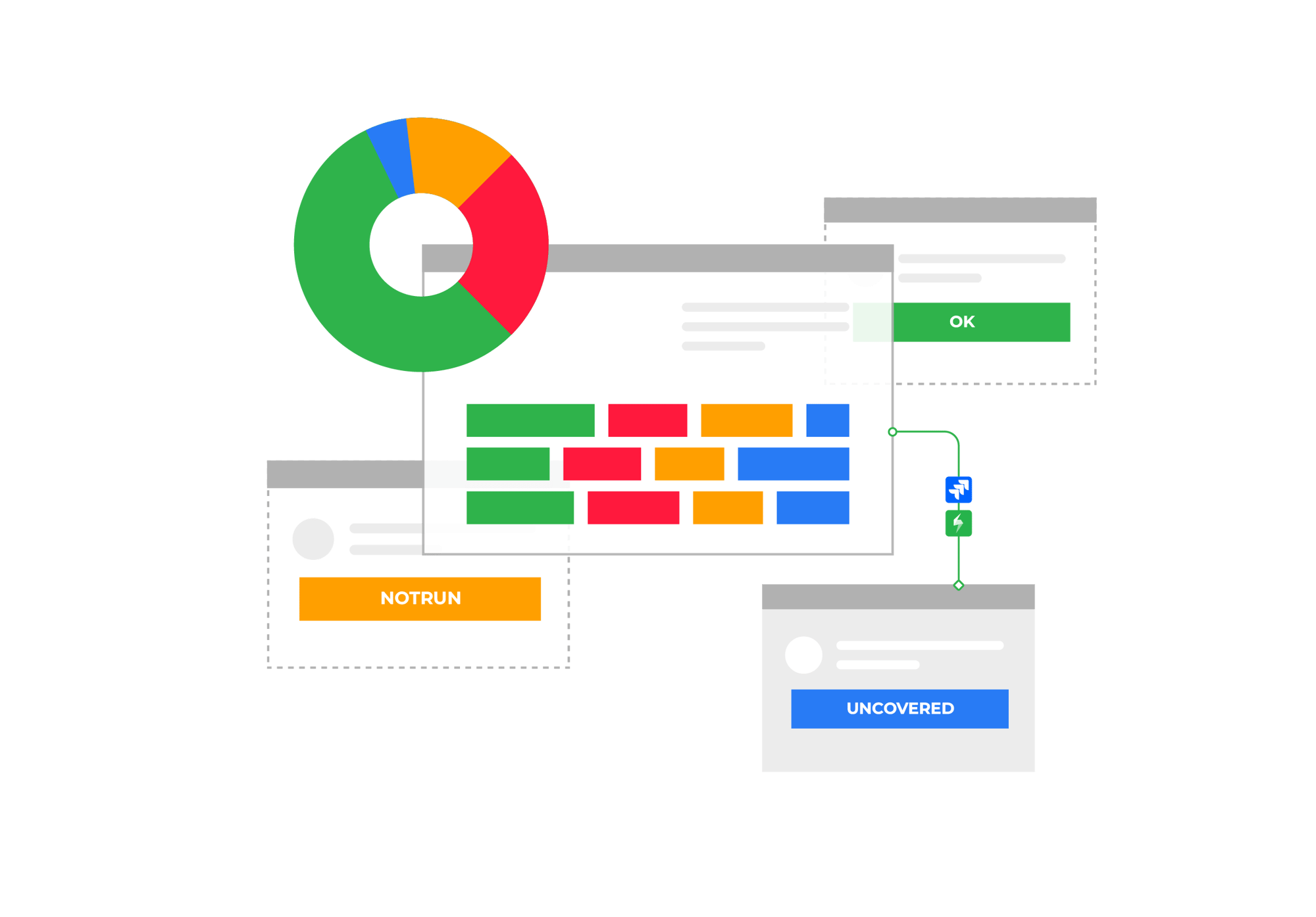
Get complete traceability from requirements to defects: instantly understand what’s covered, what’s at risk, and what needs attention.
Integrate with CI/CD and your favorite automation tools: connect your pipelines, sync results automatically, and scale automation without disrupting your existing setup.
Generate powerful reports to track coverage and quality: make data-driven decisions with real-time insights into readiness, risk, and product quality.
Start your free trial today and experience how easy it is to bring visibility and structure to your testing process - all inside Jira.